
Sandbox Info
Overview
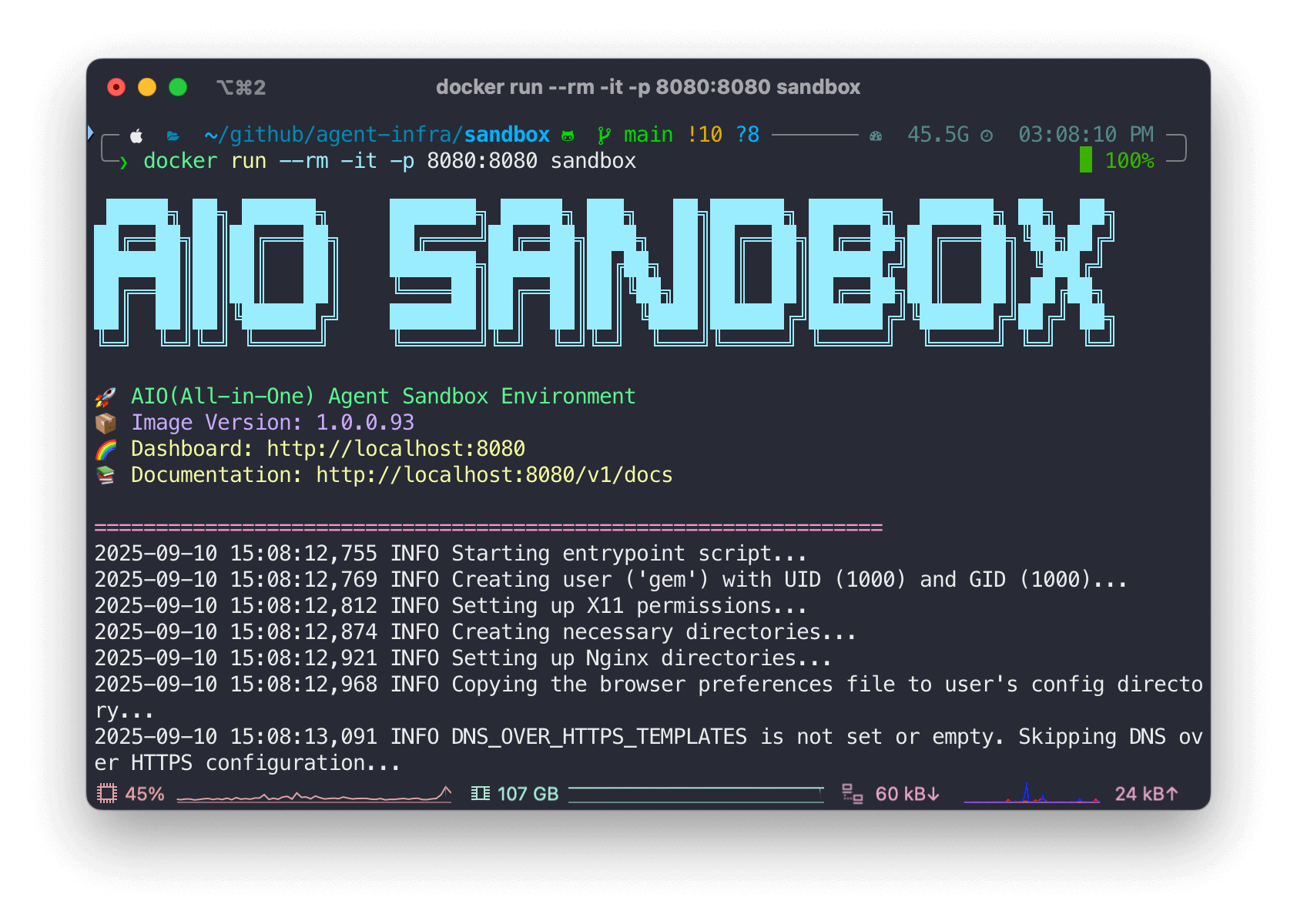
The Sandbox API provides a comprehensive environment for executing code, managing files, and interacting with various development tools in an isolated container environment. This API is designed to support multiple programming languages, file operations, browser automation, and terminal interactions.
Dashboard
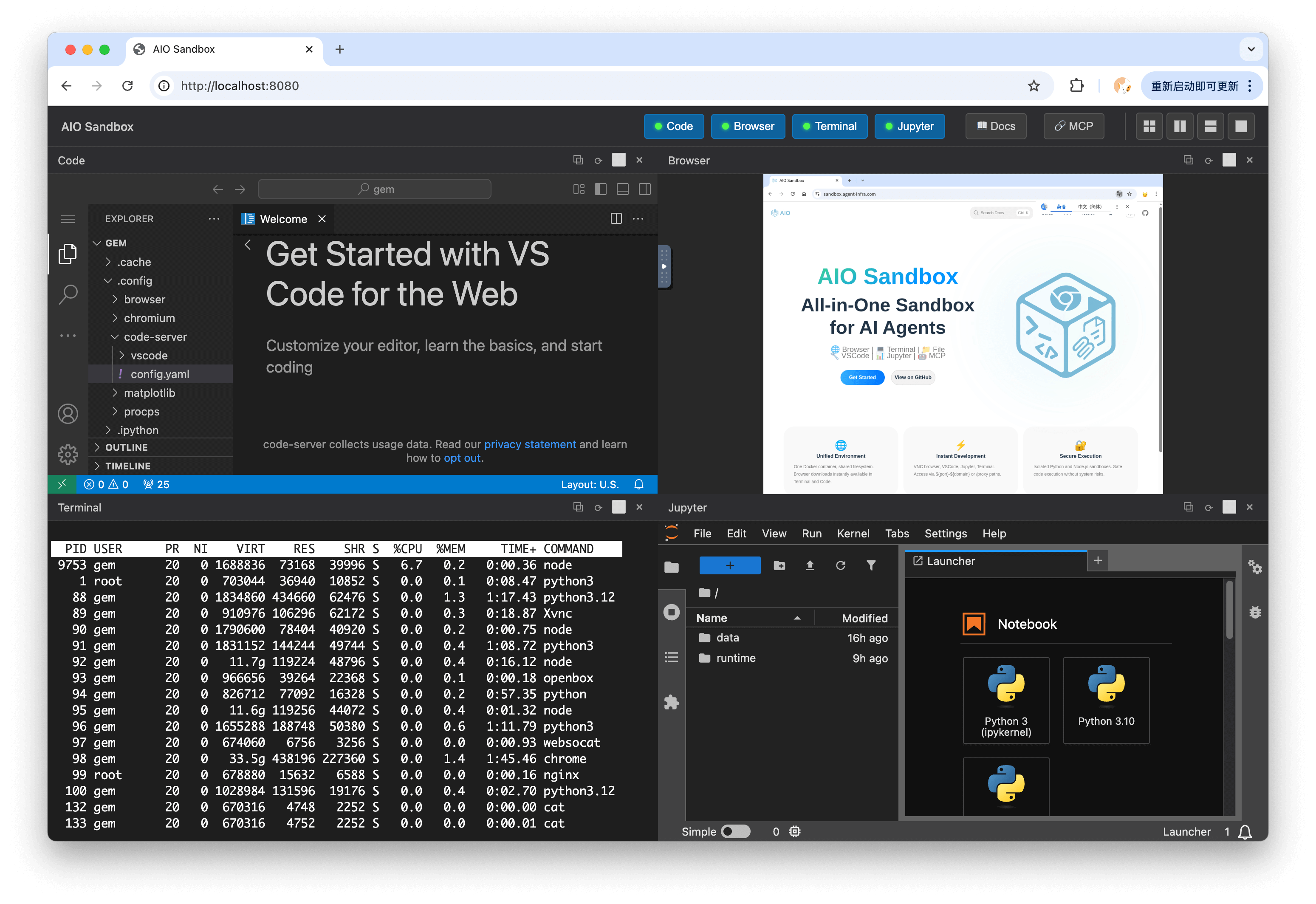
The Sandbox Dashboard provides a unified web interface accessible at /index.html for interacting with all sandbox features through multiple integrated views.
Dashboard Views
The dashboard interface includes four main tabs for different development workflows:
Code Tab
The Code tab provides an integrated code editor environment:
- File Explorer: Navigate and manage project files in the sandbox
- Code Editor: Edit files with syntax highlighting and auto-completion
- Multi-file Support: Open and edit multiple files simultaneously
- File Operations: Create, rename, delete files and directories
- Integrated Terminal: Execute commands directly from the code view
Browser Tab
The Browser tab enables web development and testing:
- Headless Browser: Chrome/Chromium instance for web automation
- Live Preview: Real-time preview of web applications
- Developer Tools: Inspect elements, console, network activity
- Browser Automation: Support for automated testing and scraping
- Viewport Control: Adjust screen size and device emulation
- Screenshot Capture: Take screenshots of rendered pages
Terminal Tab
The Terminal tab provides full shell access:
- Interactive Shell: Bash terminal with full command-line access
- Multi-session Support: Create and manage multiple terminal sessions
- Command History: Navigate through previously executed commands
- File System Access: Full access to sandbox file system
- Package Management: Install and manage Python/Node.js packages
- Process Management: Run and monitor background processes
Jupyter Tab
The Jupyter tab offers notebook-based development:
- Jupyter Notebooks: Create and edit
.ipynbnotebook files - Python Kernel: Execute Python code cells interactively
- Rich Output: Display charts, images, and formatted data
- Markdown Support: Mix code with documentation
- Variable Explorer: Inspect variables and data structures
- Session Persistence: Maintain kernel state across executions
Accessing the Dashboard
Dashboard Features
Integrated Development Environment
- Seamless switching between Code, Browser, Terminal, and Jupyter views
- Shared file system across all tabs
- Persistent session state
- Real-time updates and synchronization
Project Management
- Upload files and projects via drag-and-drop
- Download files and project archives
- Git integration for version control
- Project templates and quick starts
Resource Monitoring
- CPU and memory usage indicators
- Disk space utilization
- Network activity monitoring
- Process and service status
Sandbox Context
/llms.txt
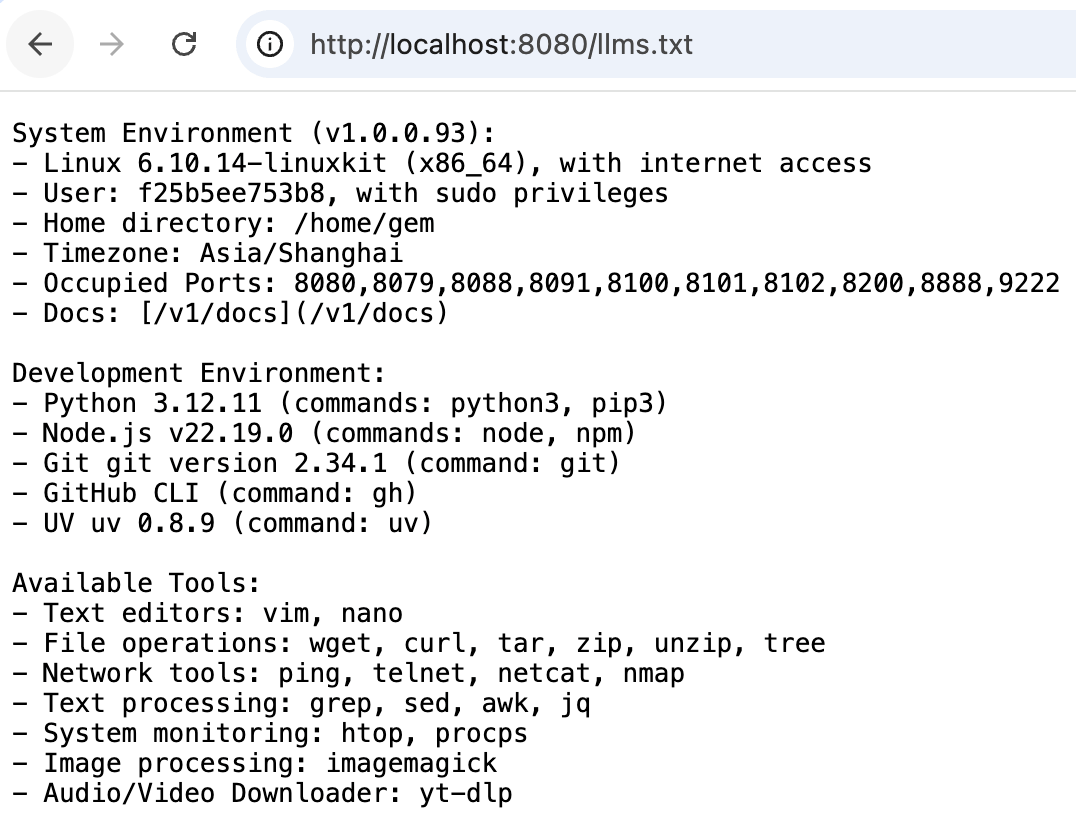
llms.txt is an usage manual for Agents. Through this manual, the Agent can better use the sandbox.
Get Sandbox Context
Retrieves sandbox environment information including system configuration and available resources.
Response: SandboxResponse
success: Boolean indicating operation successmessage: Operation result messagedata: Sandbox environment datahome_dir: Home directory path in the sandbox
Example data:
Package Management
Python Packages
Lists all installed Python packages in the sandbox environment.
Response: Response
- Returns a list of installed Python packages with their versions
Node.js Packages
Lists all installed Node.js packages in the sandbox environment.
Response: Response
- Returns a list of installed npm packages with their versions