
Shell Terminal
AIO Sandbox Shell is PTY-based, so it is best for REPLs, interactive programs, and tasks that need real terminal behavior. It exposes both REST APIs and WebSocket: use REST for a small number of terminal operations, and WebSocket for the built-in terminal or custom WebTerminal UI.
For programmatic command execution, separated stdout/stderr, or offset-based incremental log reads, prefer Bash Pipe.
Shell vs Bash
| Shell (/v1/shell) | Bash Pipe (/v1/bash) |
|---|
| Interaction model | PTY terminal | subprocess pipe |
| Output | One output field | Separate stdout / stderr |
| Read model | wait + view snapshots | /output + offset reads |
| Input | Terminal input events | stdin pipe |
| Best for | WebTerminal, REPLs, interactive programs | Agent tool calls, programmatic commands |
Common Usage Patterns
One-Off Execution
The simplest pattern is to omit id; the service creates a session and runs the command:
curl -X POST http://localhost:8080/v1/shell/exec \
-H "Content-Type: application/json" \
-d '{"command": "printf shell-doc-ok"}'
Typical response:
{
"success": true,
"data": {
"session_id": "SESSION_ID",
"command": "printf shell-doc-ok",
"status": "completed",
"output": "shell-doc-ok",
"exit_code": 0
}
}
Use this for simple commands, stateless checks, and one-off scripts.
Reuse A Session
Each execution returns a session_id. Send that value as id in later requests to reuse the same Shell session; the working directory and environment variables are preserved within that session:
SESSION_ID=$(curl -s -X POST http://localhost:8080/v1/shell/exec \
-H "Content-Type: application/json" \
-d '{"command": "cd /tmp && export DEMO_FLAG=hello"}' | jq -r ".data.session_id")
curl -X POST http://localhost:8080/v1/shell/exec \
-H "Content-Type: application/json" \
-d '{"id": "'"${SESSION_ID}"'", "command": "pwd && echo $DEMO_FLAG"}'
Use this for multi-step builds and workflows that need directory or environment context.
Async Execution
For long-running commands, use async_mode to return immediately, then call wait for status and view for the full session snapshot:
SESSION_ID=$(curl -s -X POST http://localhost:8080/v1/shell/exec \
-H "Content-Type: application/json" \
-d '{
"command": "sleep 3; echo done",
"async_mode": true
}' | jq -r ".data.session_id")
curl -X POST http://localhost:8080/v1/shell/wait \
-H "Content-Type: application/json" \
-d '{"id": "'"${SESSION_ID}"'", "seconds": 5}'
curl -X POST http://localhost:8080/v1/shell/view \
-H "Content-Type: application/json" \
-d '{"id": "'"${SESSION_ID}"'"}'
/v1/shell/wait checks whether the current command is still running. /v1/shell/view returns a terminal snapshot. If you need command-level offset polling, use Bash Pipe.
WebSocket Terminal
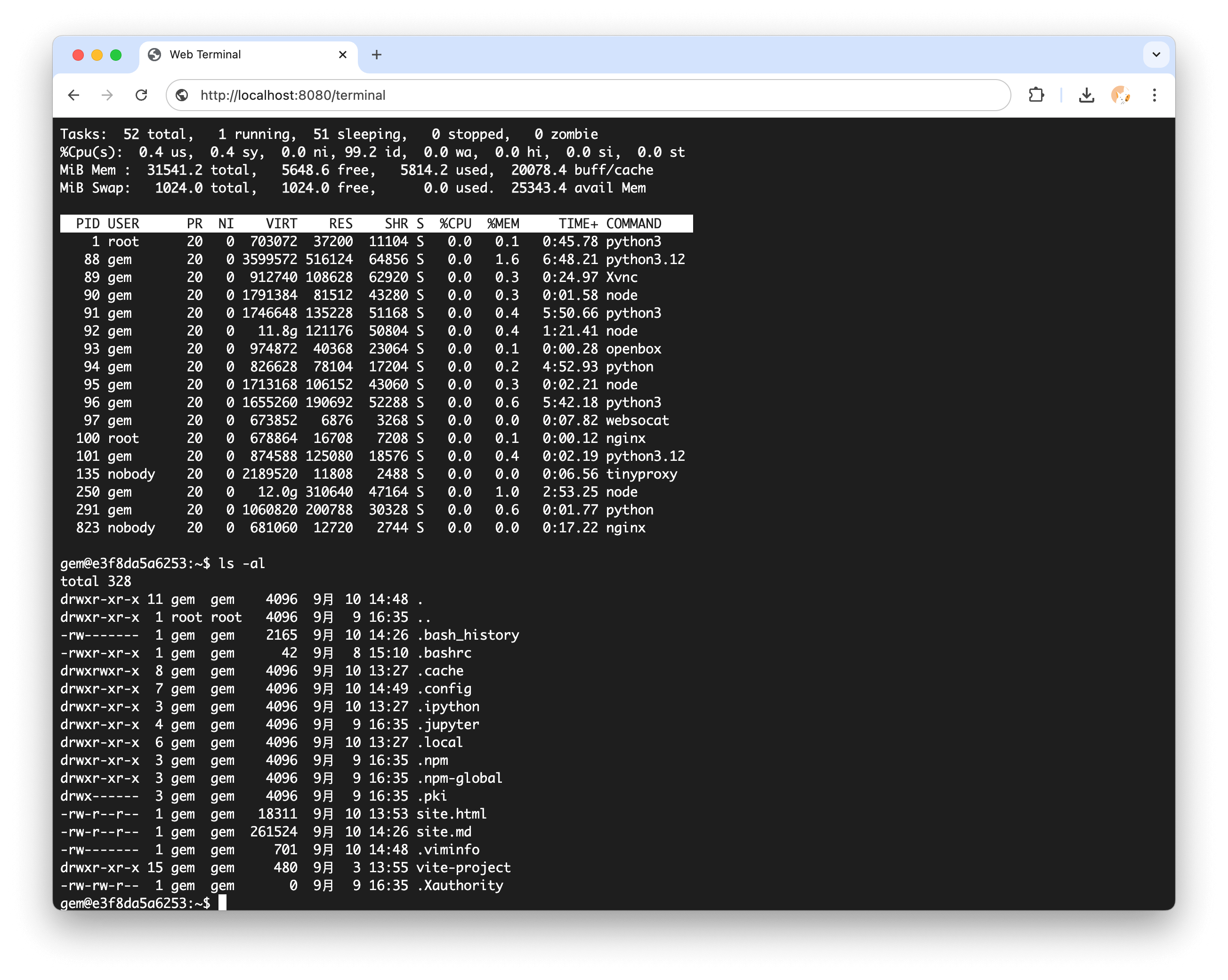
Built-in terminal page:
http://localhost:8080/terminal
Custom UIs can connect to the Shell WebSocket:
const ws = new WebSocket("ws://localhost:8080/v1/shell/ws");
Common messages:
ws.send(JSON.stringify({ type: "input", data: "ls -la\n" }));
ws.send(JSON.stringify({ type: "resize", data: { cols: 120, rows: 40 } }));
ws.onmessage = (event) => {
const message = JSON.parse(event.data);
if (message.type === "output") {
terminal.write(message.data);
}
if (message.type === "ping") {
ws.send(JSON.stringify({
type: "pong",
data: { timestamp: message.timestamp ?? message.data },
}));
}
};
After connection, the server returns a session_id so your UI can identify the active terminal. After connection failures, create a new terminal session instead of relying on reconnects for complete output history.
For REPLs, confirmation prompts, and scripts that ask for input, prefer the WebSocket terminal. See WebTerminal Integration for the full xterm.js integration example.
File System Integration
Shell shares the same filesystem as the File API, Code Server, browser downloads, and code execution:
curl -X POST http://localhost:8080/v1/shell/exec \
-H "Content-Type: application/json" \
-d '{"command": "echo \"Hello World\" > /tmp/test.txt"}'
curl -X POST http://localhost:8080/v1/file/read \
-H "Content-Type: application/json" \
-d '{"file": "/tmp/test.txt"}'
- Use Bash Pipe for programmatic command execution with separate stdout and stderr.
- Use WebTerminal Integration to embed the WebSocket terminal in your own UI.
- Use AIO CLI when working inside the sandbox container.